Keith Wessel has graciously provided a Perl module interface to our control center API. We’ll be posting a download link on the API help page soon, but for now you can get it here: RollernetClient.pm Version 1.0
Categories
 Roller Network
Keith Wessel has graciously provided a Perl module interface to our control center API. We’ll be posting a download link on the API help page soon, but for now you can get it here: RollernetClient.pm Version 1.0
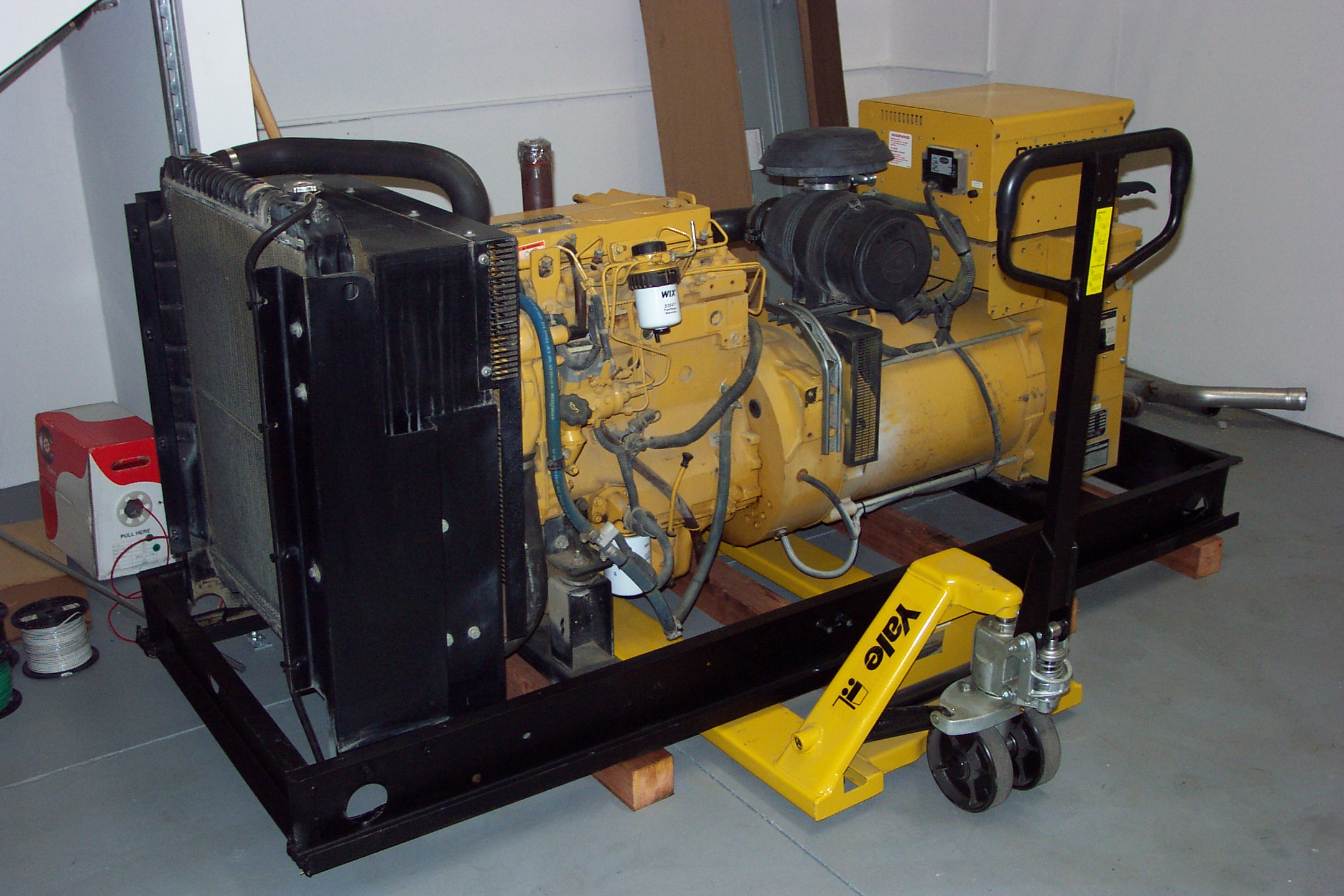
A generator awaiting installation.
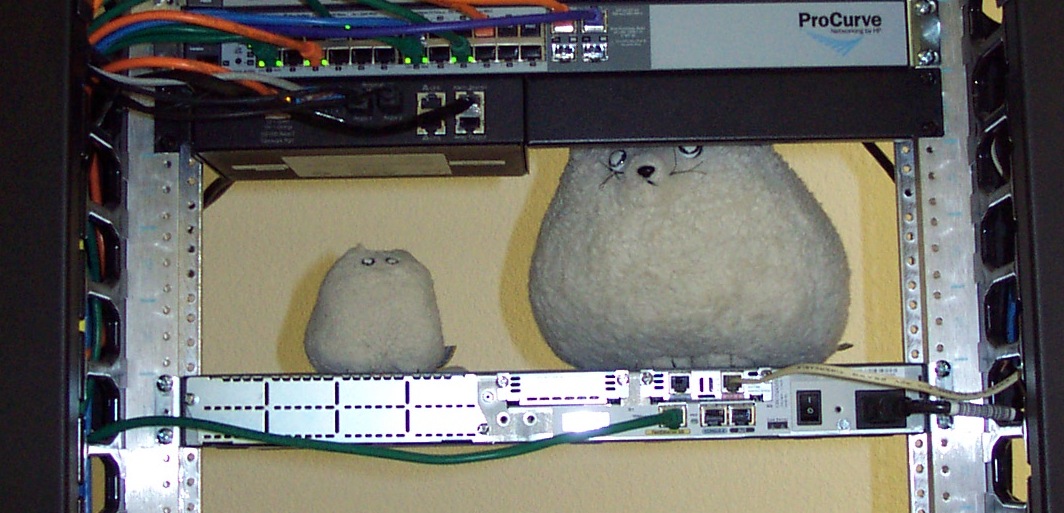
The “rollers”, our unofficial mascots that take residence in the server room on top of a router.
![DCP_2638[1]](http://www.rollernet.us/wordpress/wp-content/uploads/2009/11/DCP_26381.jpg "DCP_2638[1]")
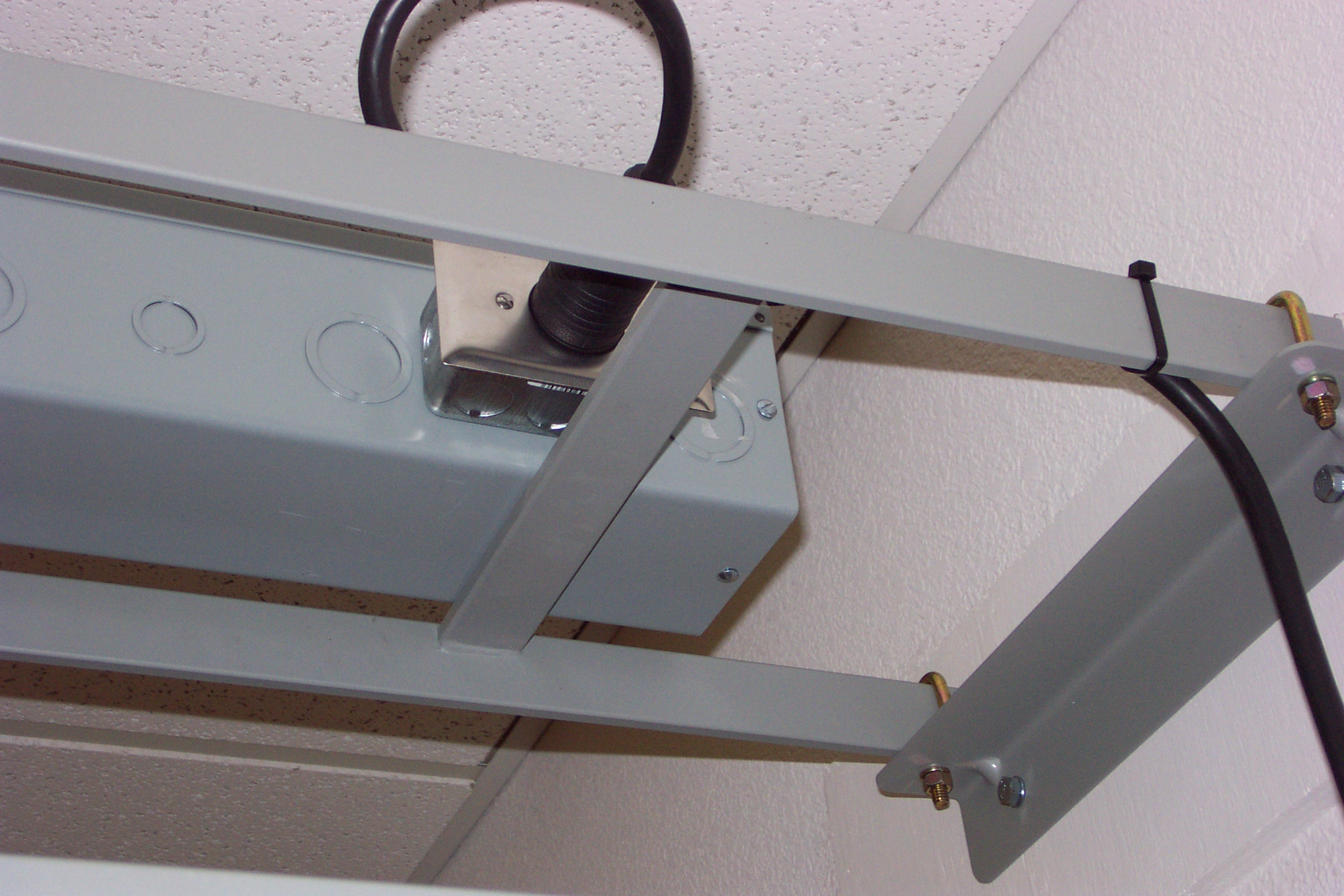
Detail view of the electrical outlet installation. The smallest circuit we offer is 20A at 208VAC in single phase or three phase, but we can easily provide multiple 20 and 30 amp circuits per rack in single phase or three phase for high density racks. (We do not offer 120VAC circuits.)
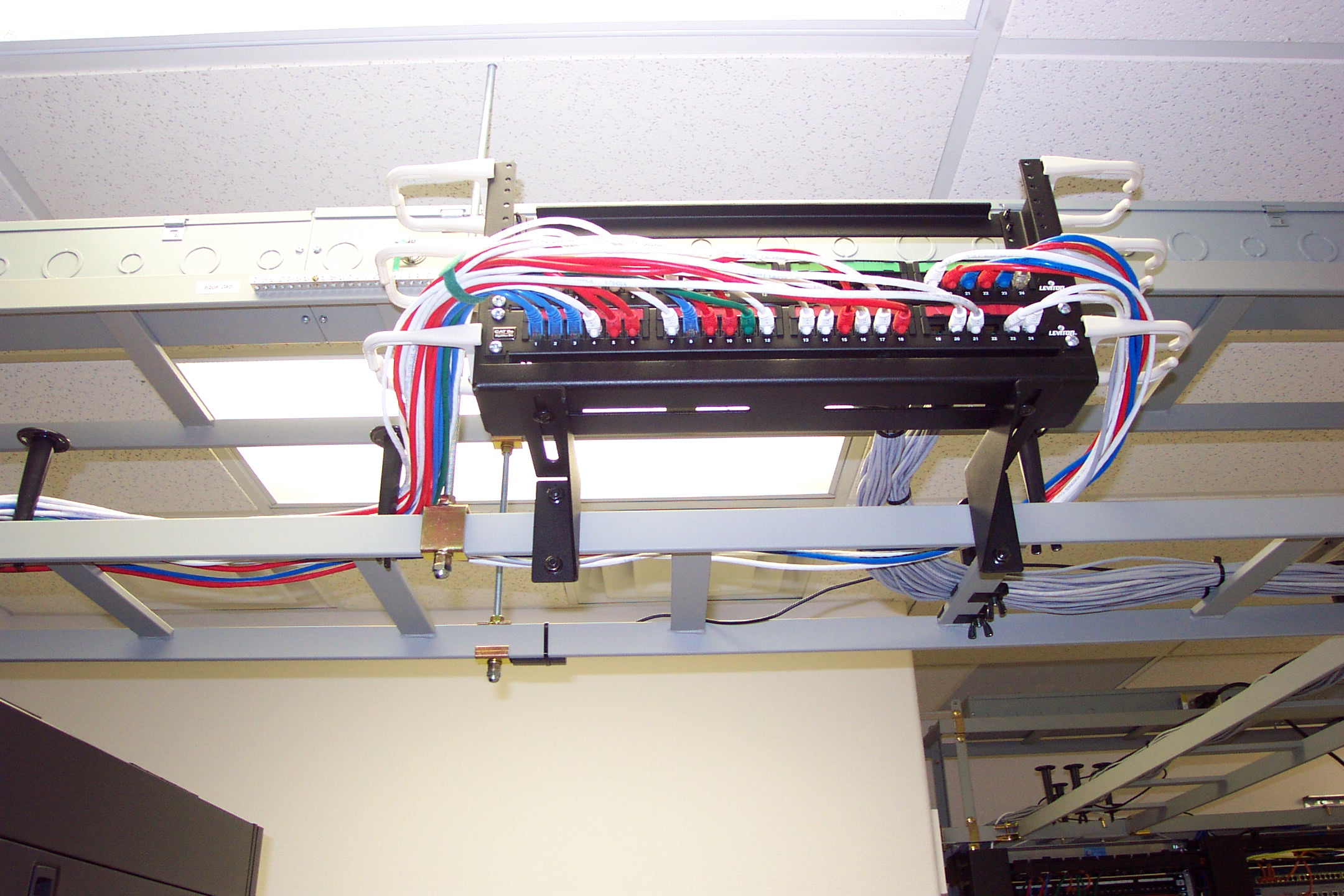
Detail view of the patchrack. By keeping patch panels out of the racks and using the overhead ladder to route them where they need to be we increase server density and eliminate wasted ports. If high port density per rack is required, top-of-rack switching would be used.
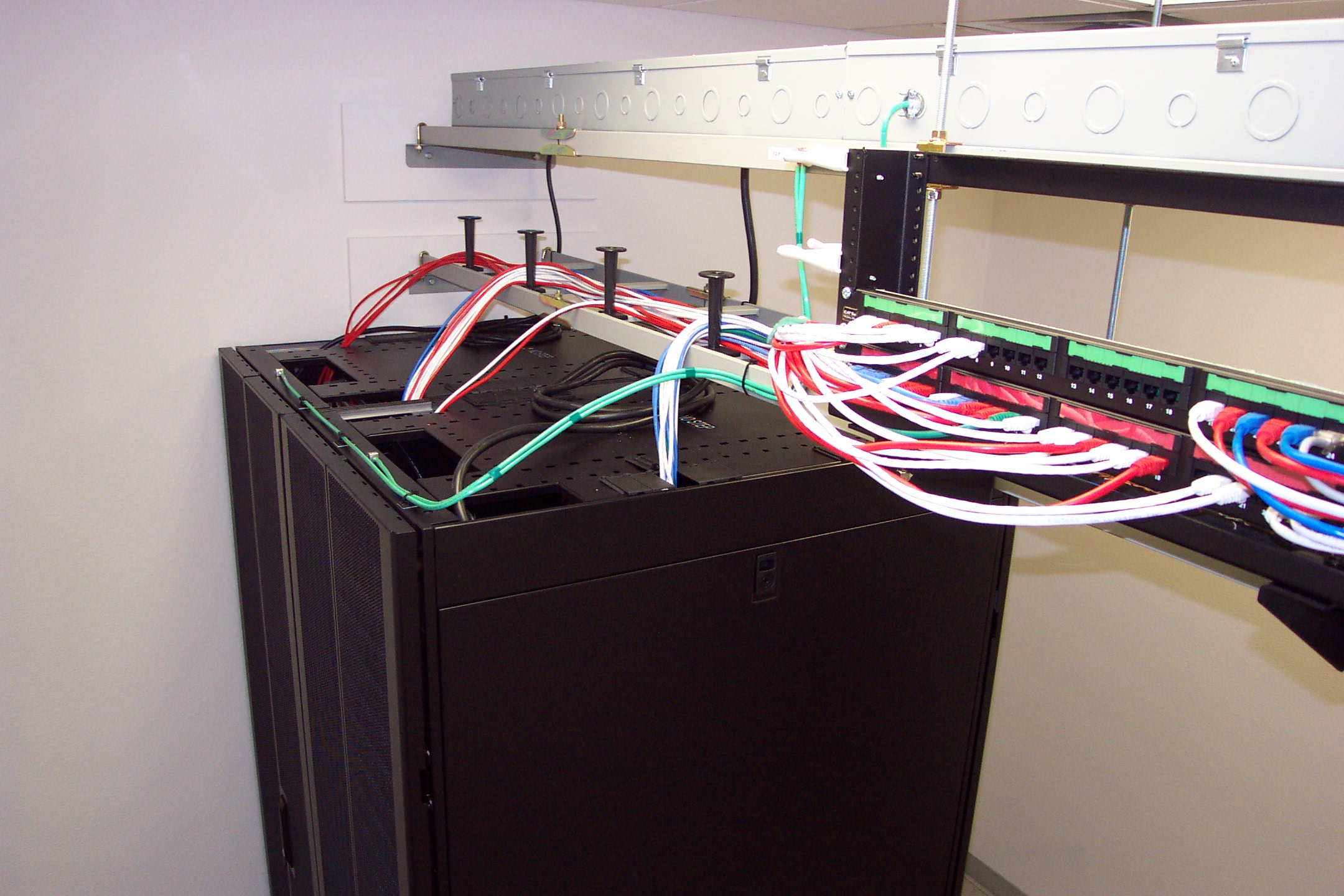
Detailed view of the overhead area. Even though you can’t see this without a ladder, we like to keep everything in order.
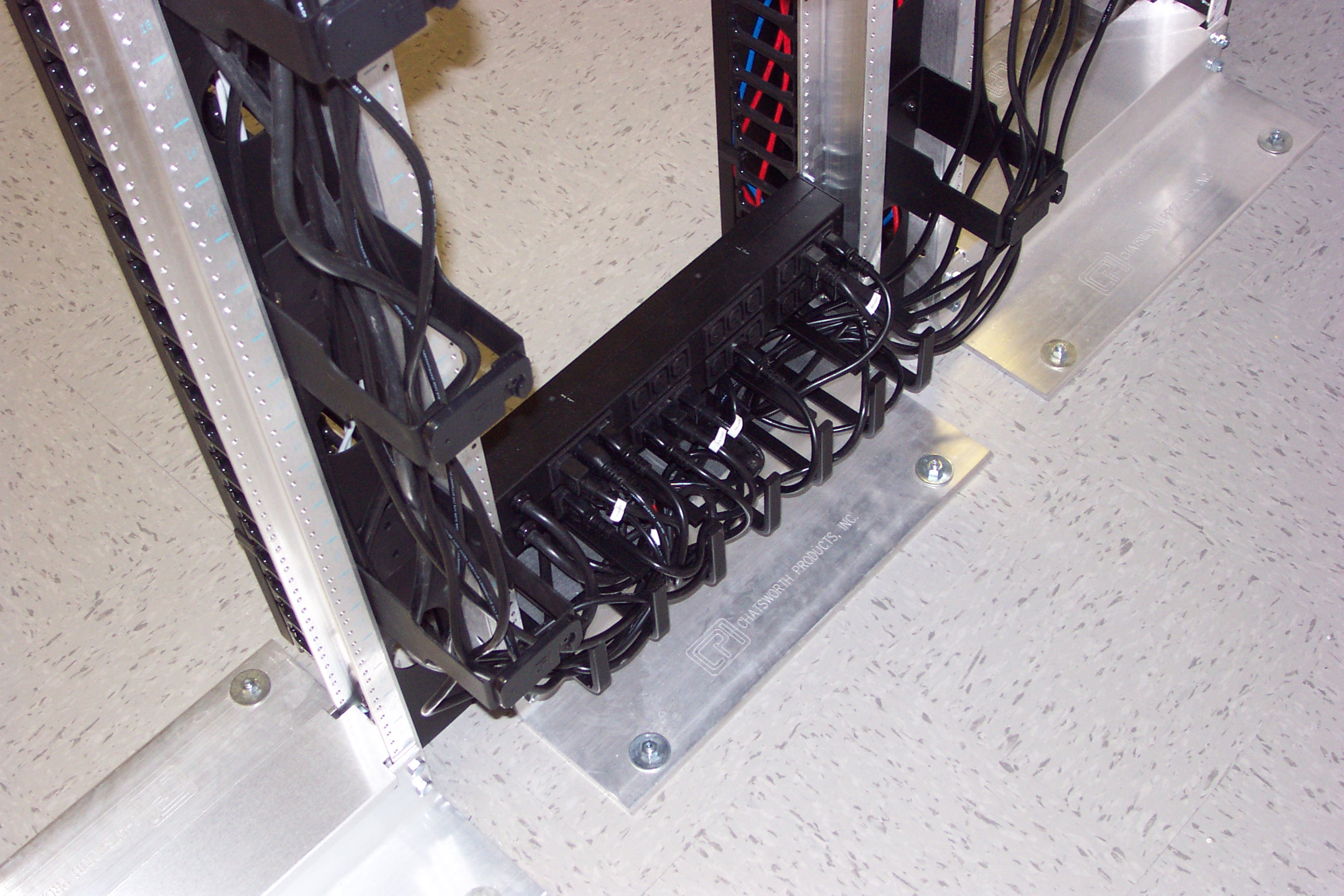
Power cord cable management for the router and switch racks.
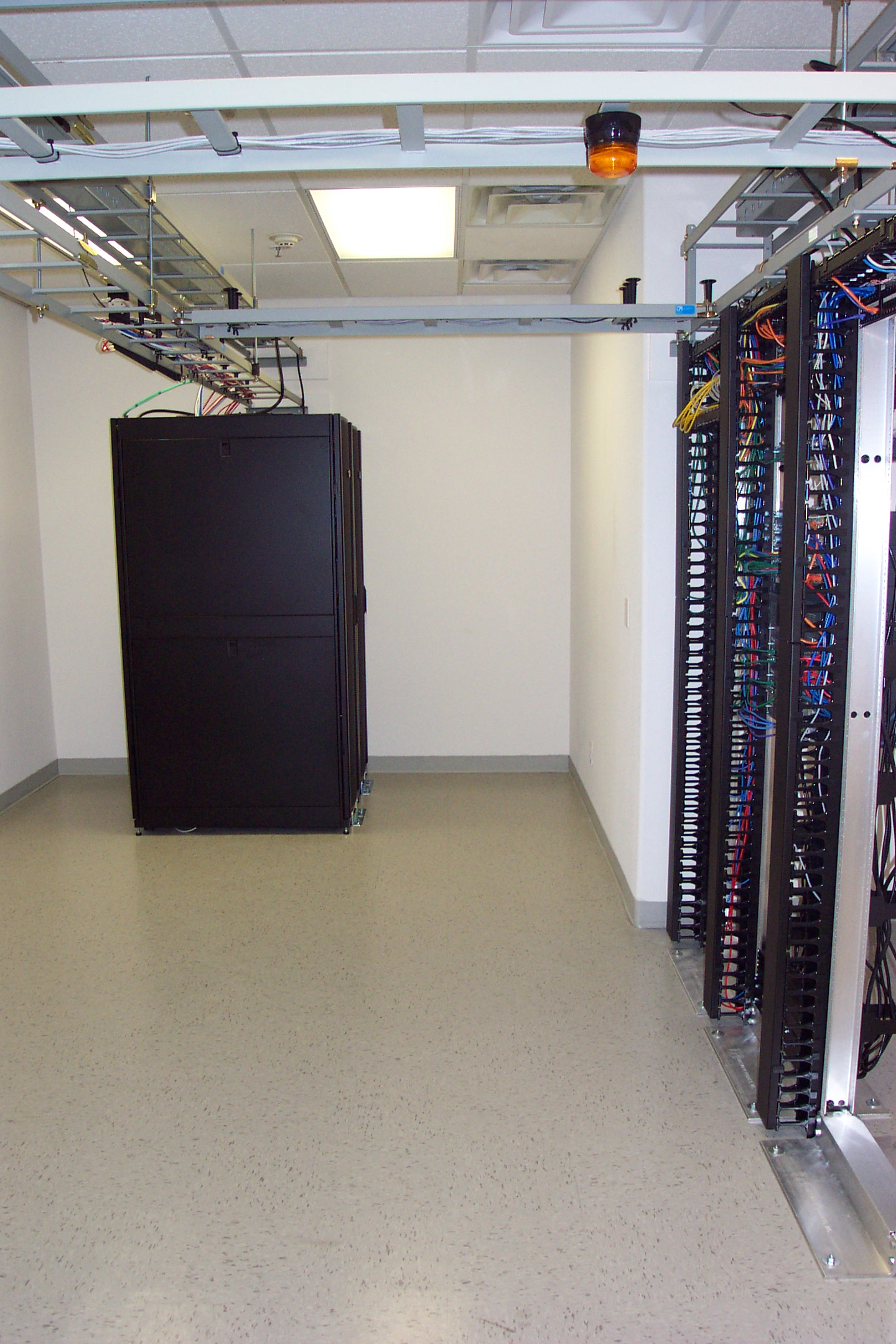
A view of the server room. What was spread out over five racks in the old facility was consolidated into two racks (not counting the two-post racks to the right). The extra space will be offered for colocations and dedicated servers and we will continue installing racks to fill the room. The yellow cables hanging out of the wire management on the right indicate temporary cabling.
We recently enabled IPv6 in Postfix on our outgoing mail (SMTP AUTH, smarthost) service. This means that if a destination you’re sending mail to is accessible via IPv6 it will automatically connect and deliver using IPv6. If not, it will transparently fall back to IPv4 and continue to deliver as before.
We finally have a Verizon account manager for the first time since we last heard from our original account manager on August 3. While the IPv6 issues are not resolved, we’re trying to put a rush on the fixes we needed to be made back in August so we can at least have some basic connectivity while Verizon performs an engineering assessment with regards to IPv6. To replace the circuit would take another 3 to 6 months to get new fiber brought in, so we’re going to stick with it and see what the results of the engineering assessment are.
The fiber we have is Verizon-provided but our ILEC is AT&T which means that nobody but Verizon can use it. Back in the 90’s a company called Brooks Fiber installed a whole bunch of fiber in Reno. They were bought by MCI and MCI/UUNet eventually became Verizon Business. While we are technically in a lit building because it already had a fiber on the property, it’s a light industrial park and there was no equipment that could carry our order and a new OC-12 was installed to our telco room.
We successfully moved the entire facility over the weekend with a few minor hiccups with hosted mail service that didn’t show up during testing. In any case, everything is back to normal as of Monday morning. There’s still a lot of detail work to do and everything else (like office furniture) still needs to make its way over to the new place, but at this point there is nothing left to move that could impact our normal operations.
There, however, is one negative aspect to report: because Verizon is still unable to provide service to us we are running single-homed on our Sprint service. This should not be a problem as long as Sprint doesn’t have any outages, however, this is not something we’re comfortable with. We’ve tried to make it clear to Verizon that no matter what their policy is doesn’t change the fact that we need the service and someone will provide it.